

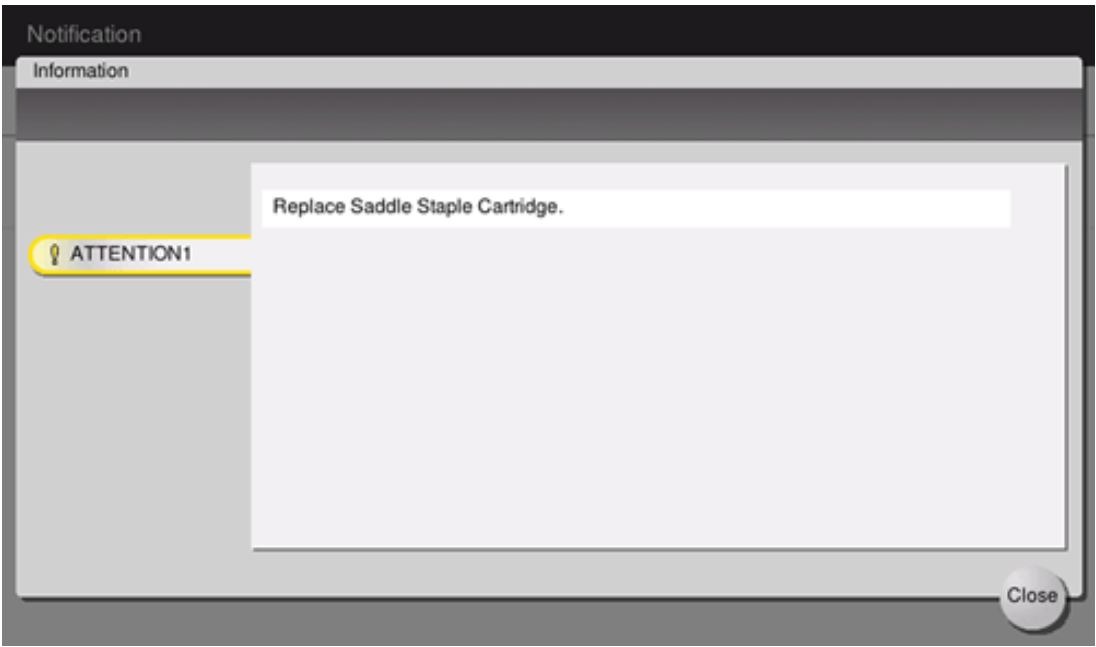
When staples in the Finisher have run out, a message will appears to prompt you to make replenish them. Kindly refer below step on how to replace staple cartridge on specific model.
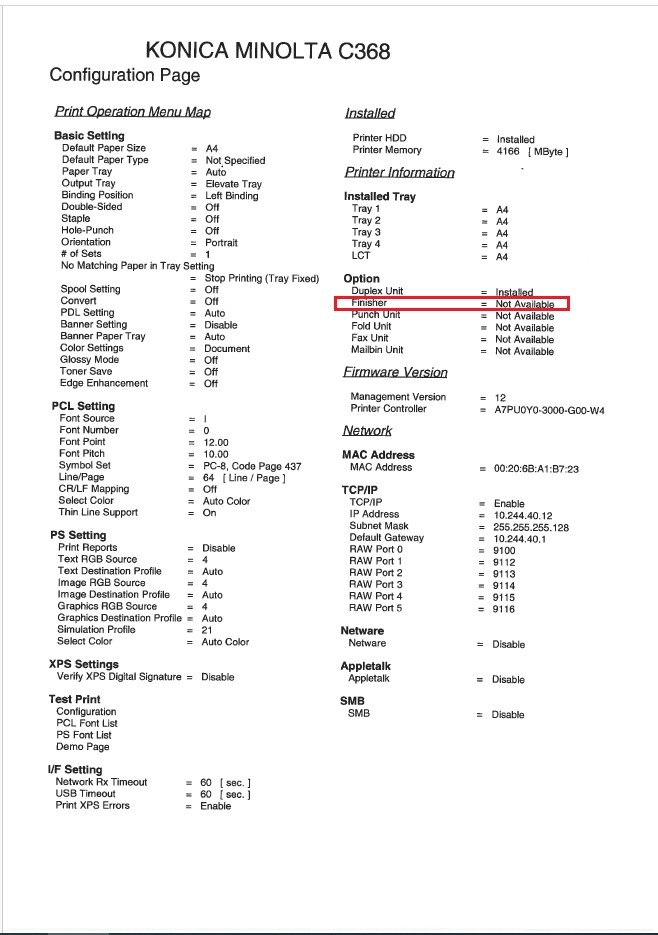
In order to check what the Finisher model that are using, kindly click here on how to print configuration page on machine and obtain the Finisher model on the configuration page as example below.
For Bizhub C360i/C300i/C250i
Click on the link below to check on how to locate the Staple Cartridge on the machine and replace the new one.
- Replacing the Staple Cartridge – Finisher FS-539 / Finisher FS-539 SD
- Replacing the Staple Cartridge – Finisher FS-536 / Finisher FS-536 SD
- Replacing the Staple Cartridge – Finisher FS-533
- Replacing the Saddle Staple Cartridge – Finisher FS-539 SD
- Replacing the Saddle Staple Cartridge – Finisher FS-536 SD
For Bizhub C650i/C550i/C450i
Click on the link below to check on how to locate the Staple Cartridge on the machine and replace the new one.
- Replacing the Staple Cartridge – Finisher FS-540 / Finisher FS-540 SD
- Replacing the Staple Cartridge – Finisher FS-539 / Finisher FS-539 SD
- Replacing the Staple Cartridge – Finisher FS-533
- Replacing the Saddle Staple Cartridge – Finisher FS-540 SD
- Replacing the Saddle Staple Cartridge – Finisher FS-539 SD
For Bizhub C554e/C454e/C364e/C284e/C224e
Click on the link below to check on how to locate the Staple Cartridge on the machine and replace the new one.
- Replacing the Staple Cartridge(Finisher FS-535) – Available only for Bizhub C554e
- Replacing the Staple Cartridge(Finisher FS-534)
- Replacing the Staple Cartridge(Finisher FS-533)
- Replacing the Saddle Stitcher(SD-512) – Available only for Bizhub C554e
- Replacing the Saddle Stitcher(SD-511)
For Bizhub C287/C227
Click on the link below to check on how to locate the Staple Cartridge on the machine and replace the new one.
- Replacing the Staple Cartridge(Finisher FS-534)
- Replacing the Staple Cartridge(Finisher FS-533)
- Replacing the Saddle Stitcher(SD-511)
For Bizhub C658/C558/C458/C368/C308/C258
Click on the link below to check on how to locate the Staple Cartridge on the machine and replace the new one.
- Replacing the Staple Cartridge – Finisher FS-537 / Finisher FS-537 SD
- Replacing the Staple Cartridge – Finisher FS-536 / Finisher FS-536 SD / Finisher FS-534 / Finisher FS-534 SD
- Replacing the Staple Cartridge – Finisher FS-533
- Replacing the Saddle Staple Cartridge – Finisher FS-537 SD
- Replacing the Saddle Staple Cartridge – Finisher FS-536 SD / Finisher FS-534 SD
For Bizhub C759/C659
Click on the link below to check on how to locate the Staple Cartridge on the machine and replace the new one.