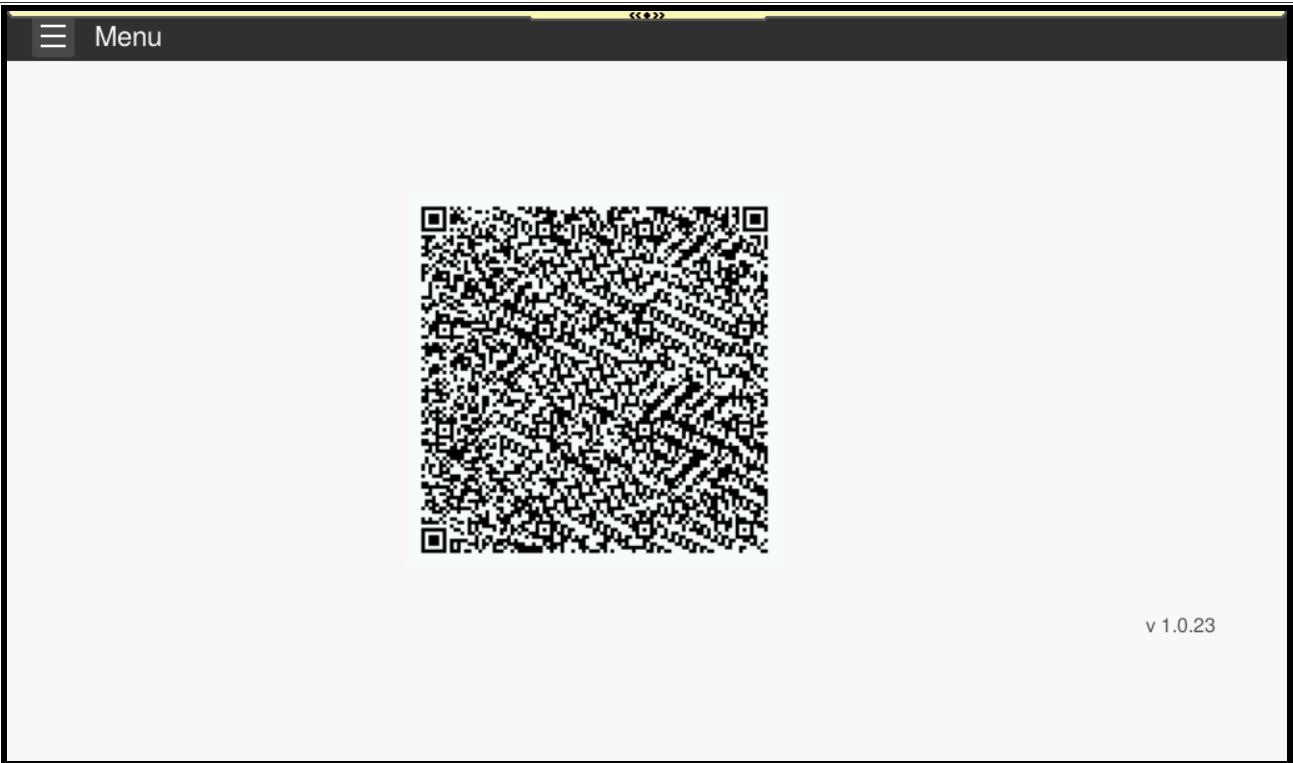
Guide on how to send monthly submission of meter reading using an QR Code on Machine seamlessly.
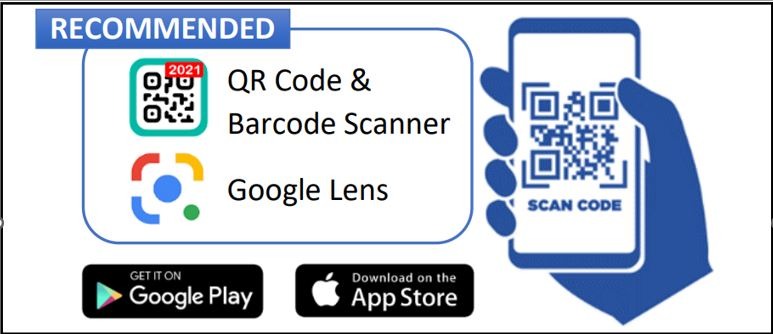
STEP 1 – Ensure your mobile phone camera is QR Code ready. Alternatively, it is possible to download the QR Code reader app from Google Play Store / Apple App store.
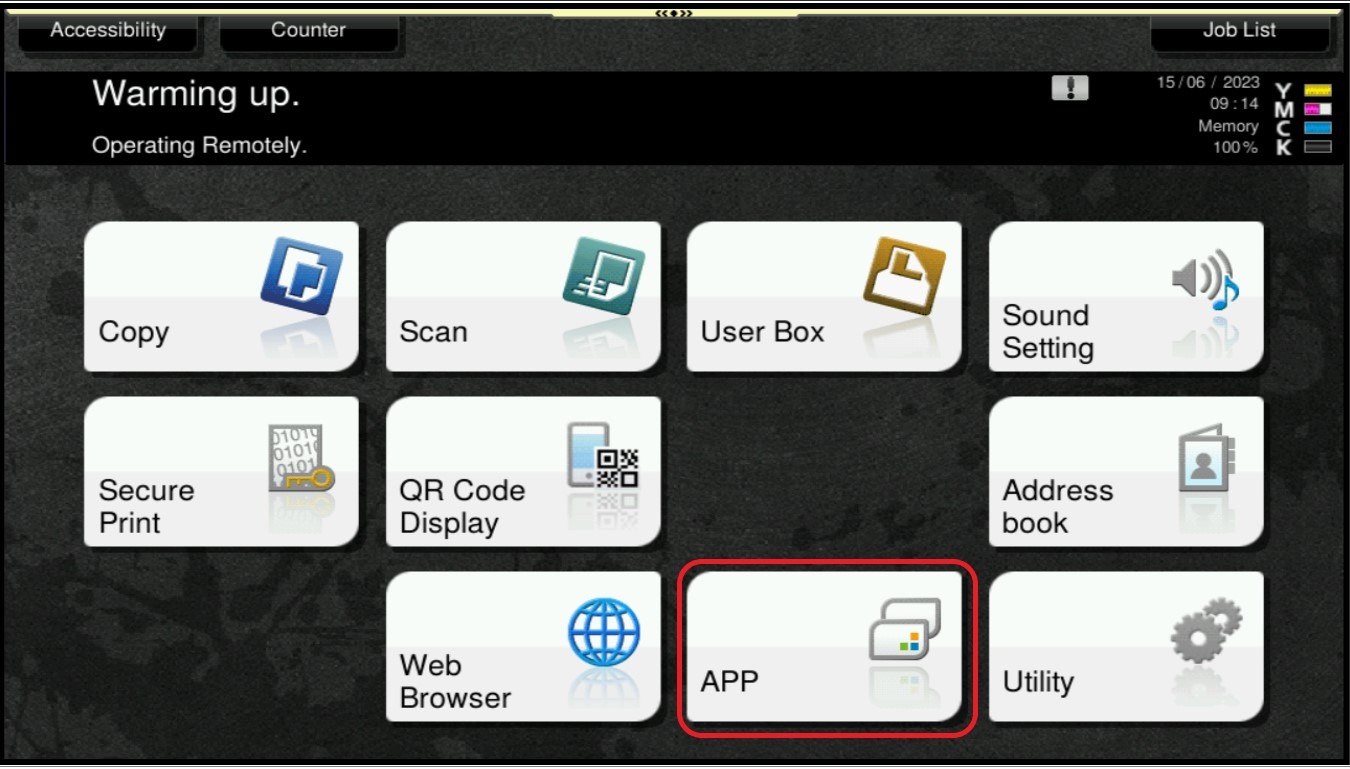
STEP 2 – On The Konica Minolta Machine Control Panel, Click On The [Menu/Home] Button Then Select [APP].
STEP 3 – Select [Assistance/Data Notifier], If the button doesn’t appear, skip to Step 4.
STEP 4 – QR Code will appear in the middle, scan it with the phone, once you receive the message “We got your counters. Thank you!” , it mean the meter reading has been successfully submitted.