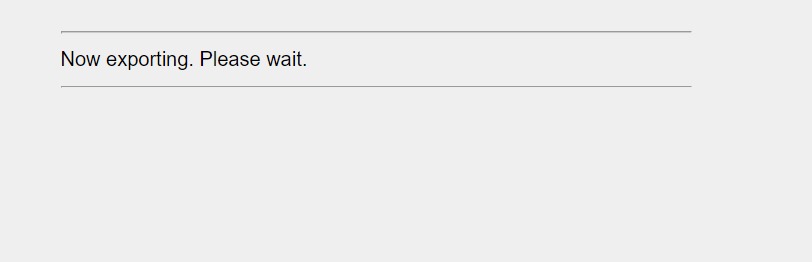
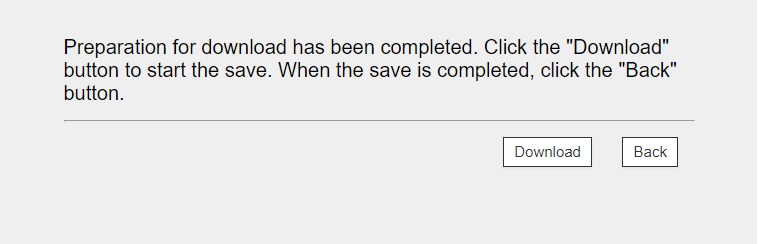
Guide on how to export address book from Machine using Web Connection.
STEP 1 – Get the Machine IP Address – click here for the guide on how to get the machine IP Address
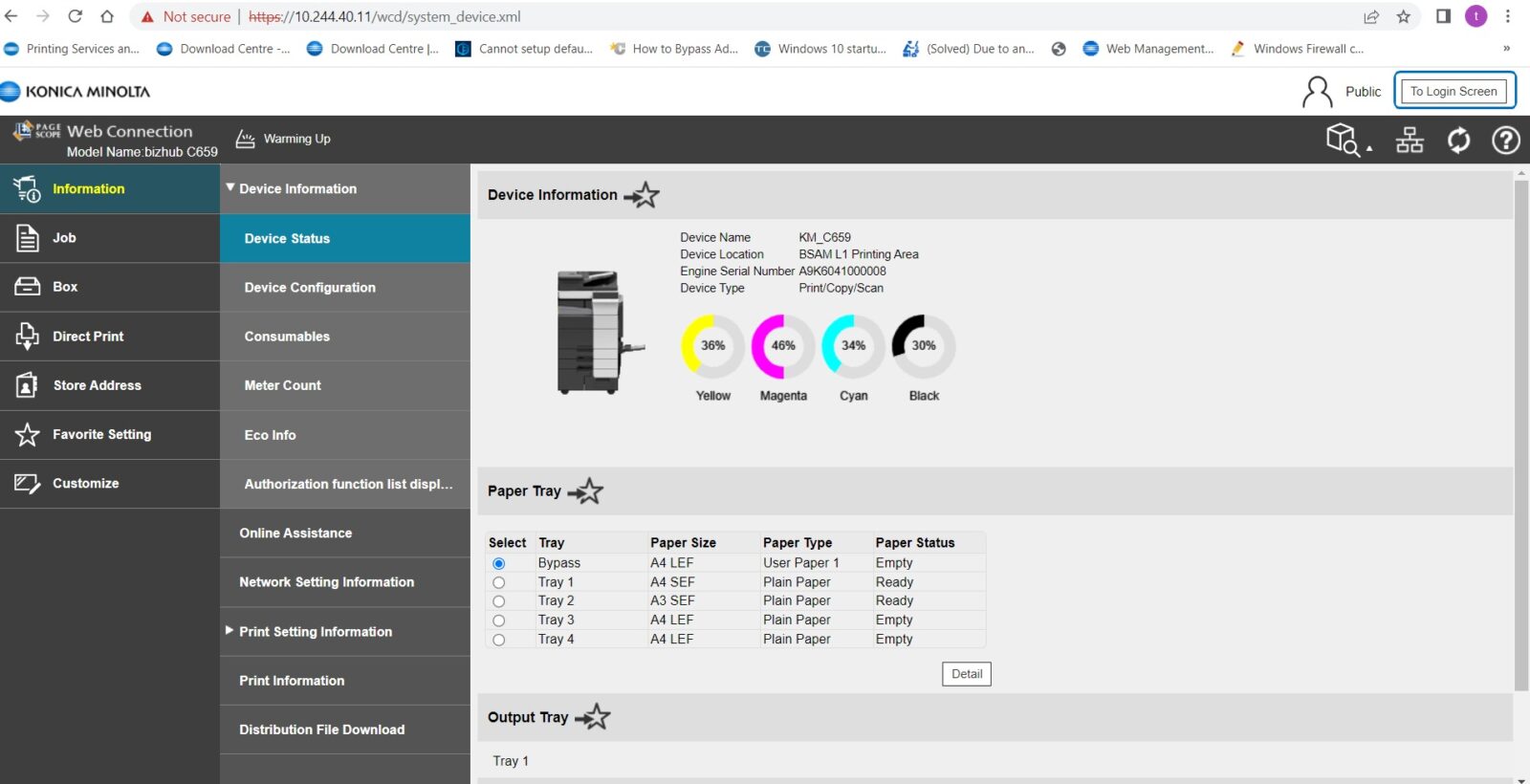
STEP 2 – Go to any browser of the PC, type in the Machine IP Address and enter. It will show the web connection of the Machine. Select [To Login Screen] to logout from the public.
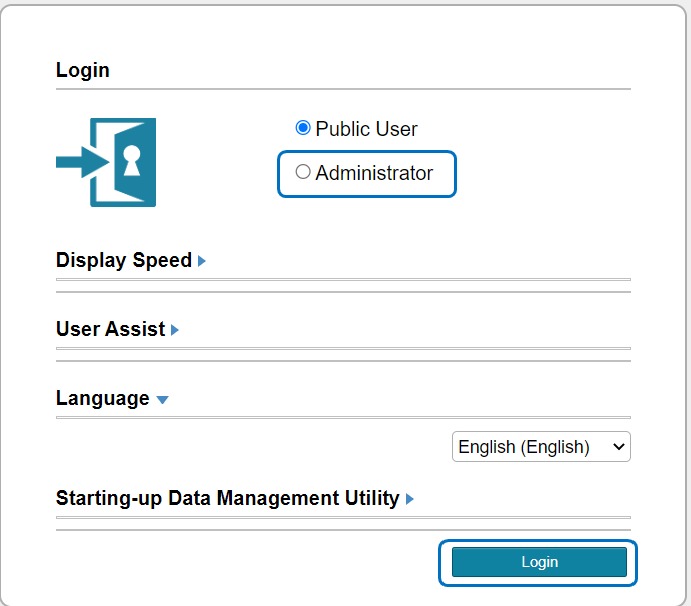
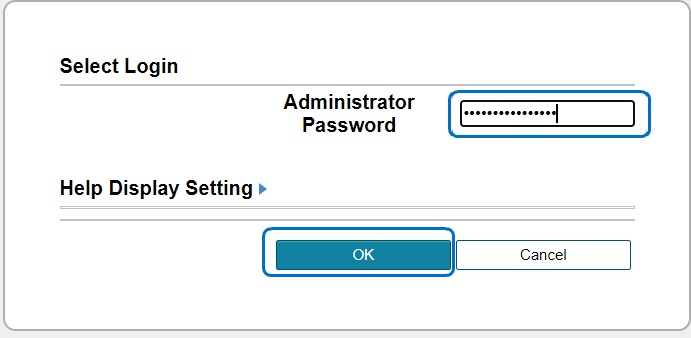
STEP 3 – Select [Administrator], and type in admin password.
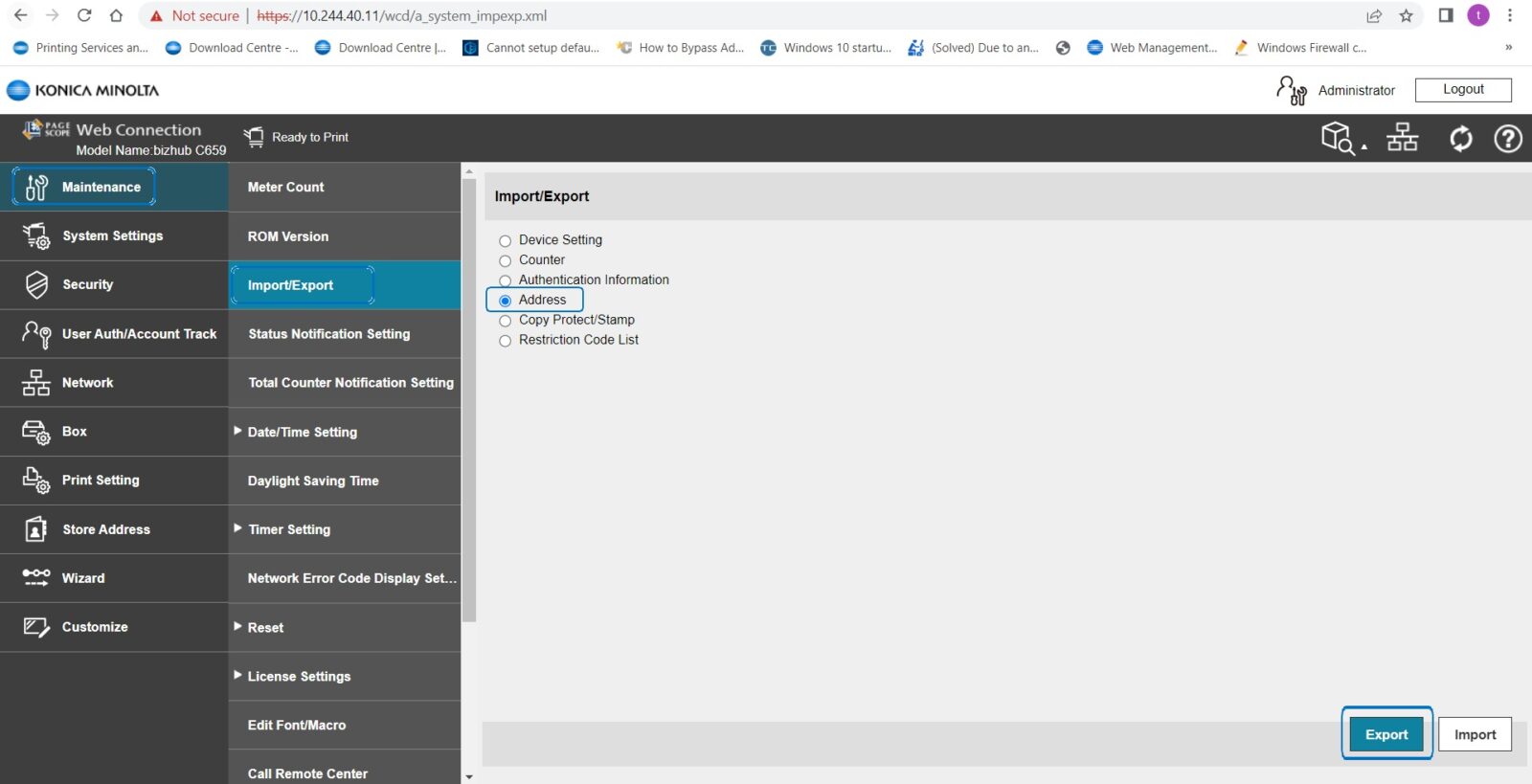
STEP 4 – Select [Maintenance] – [Import/Export] – [Address] – [Export].
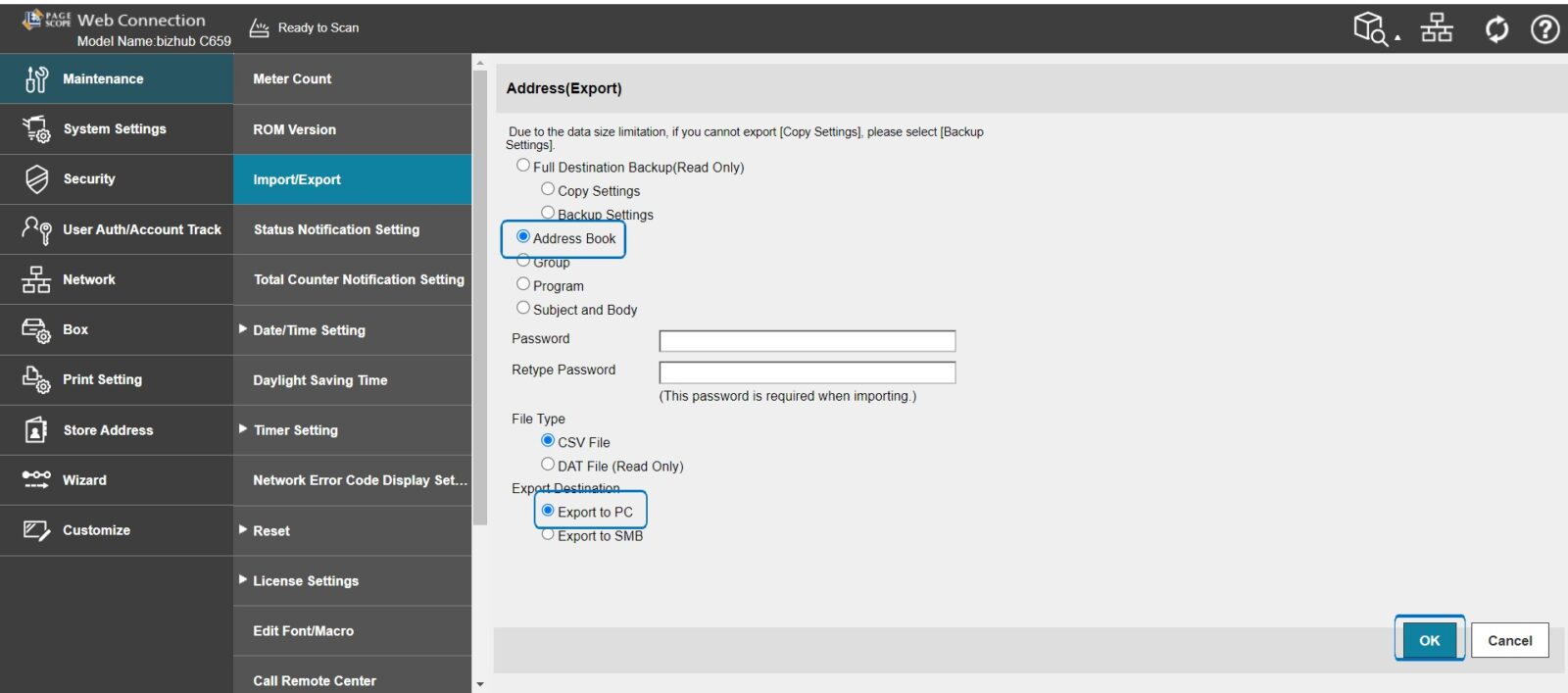
STEP 5 – Select [Address Book], leave blank for Password and select [Export to PC], click OK to continue. Once finish download, click on back and select logout to logout from administrator.
STEP 6 – Waiting for export to be finish and click on [Download] once the download has finish, the backup file will be on txt file.