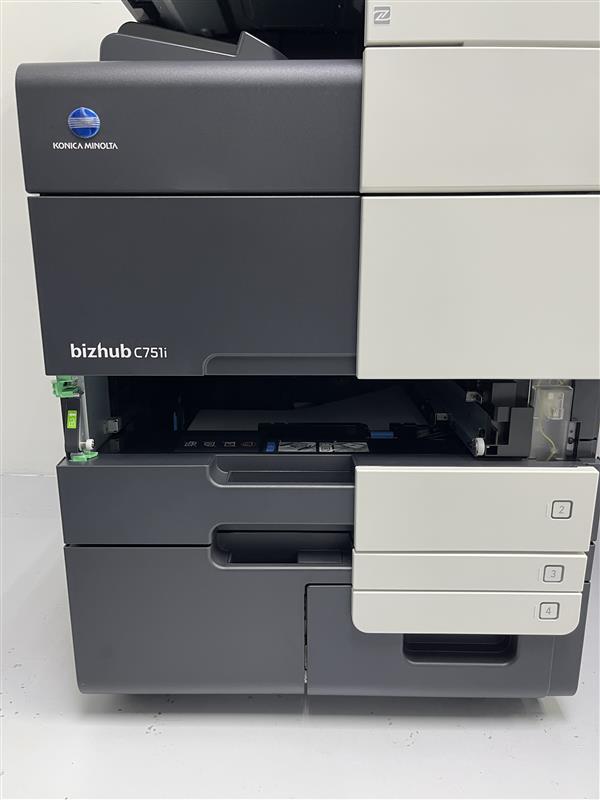
Guide On How To Remove The Tray From Konica Minolta Machine.
ATTENTION: SUPPORTED MACHINE MODELS
| C658 C558 C458 |
| C368 C308 C258 |
| C750i C751I |
| C650I C550I C450I |
| C360I C300I C250I |
| C361I C301I C251I |
| 360I 300I |
| 650I 651I |
| 550I 450I 360I |
| 551I 451I 300I |
STEP 1 – You can only open Tray 1 and Tray 2 for paper removal or inspection.
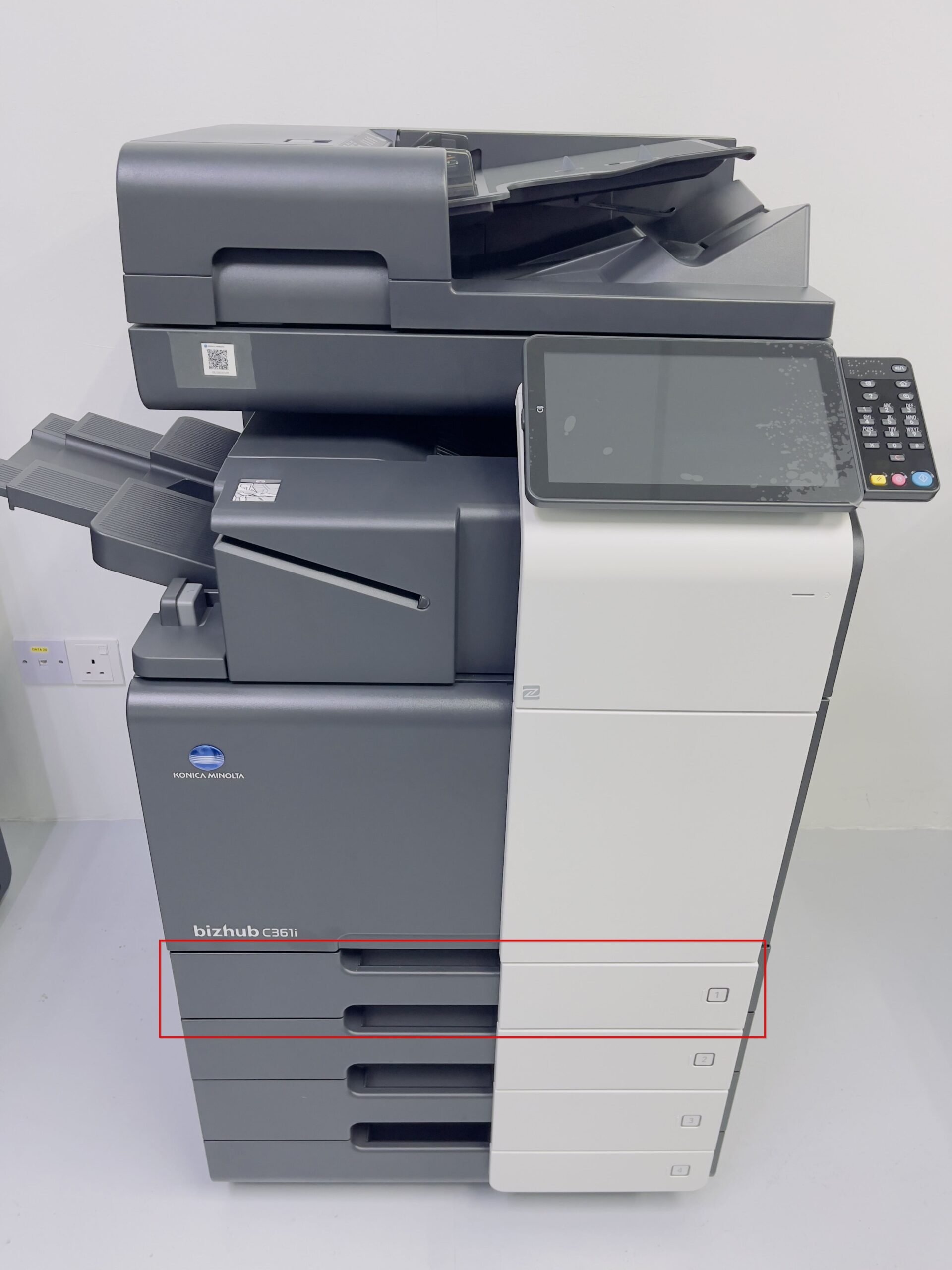
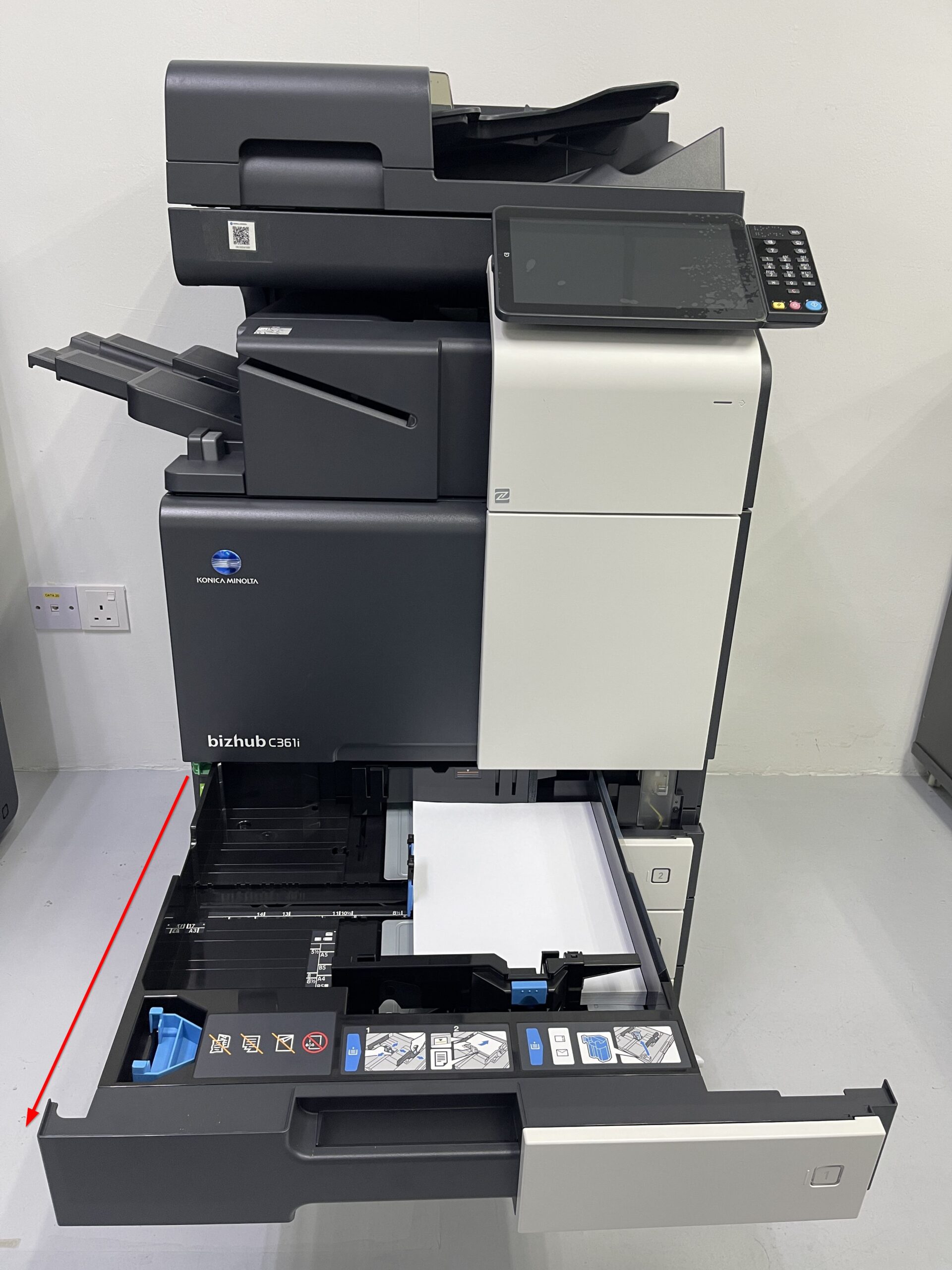
STEP 2 – Slide out the tray halfway and remove any paper.
STEP 3 – Unlock the green stopper.
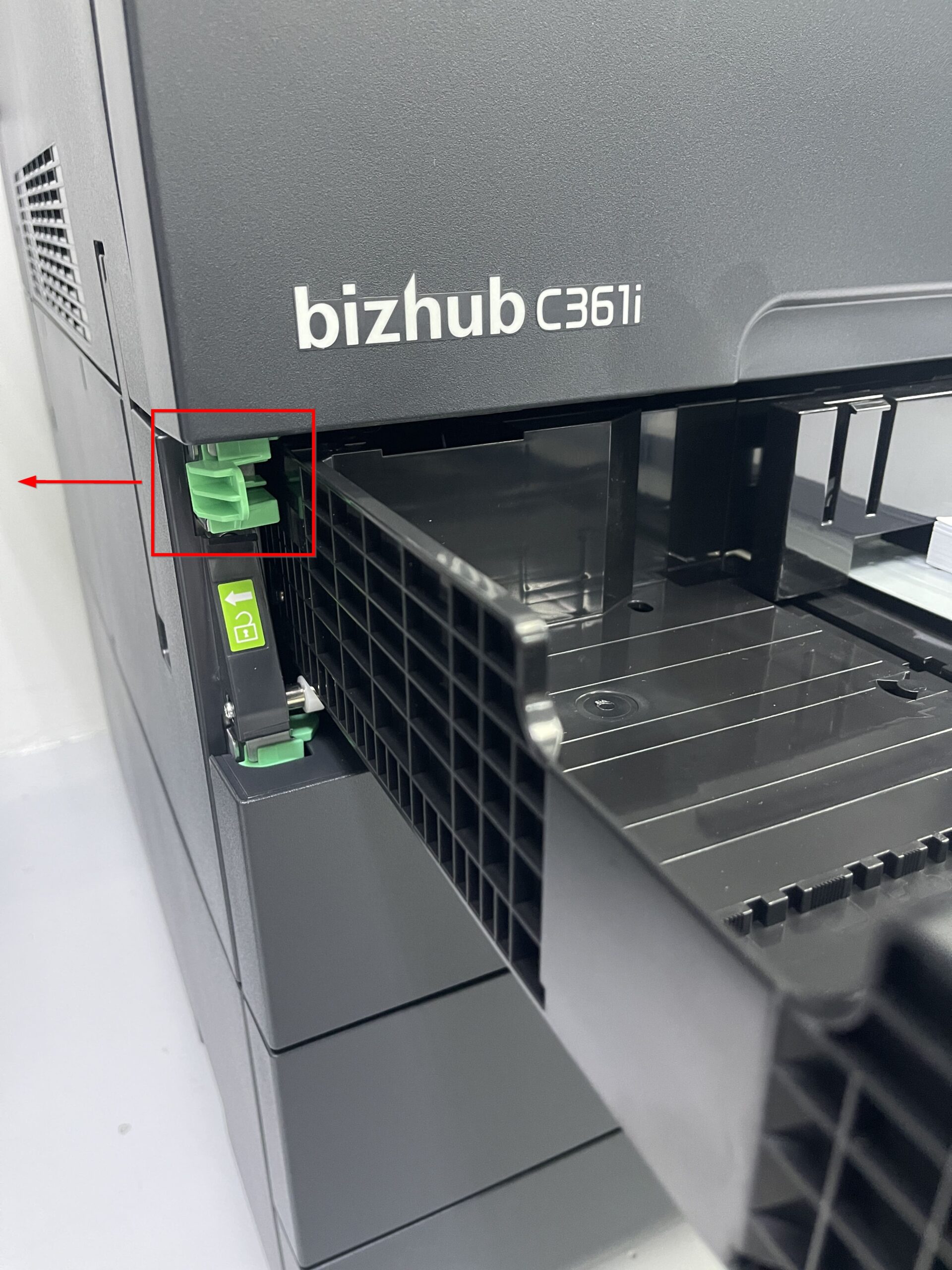
STEP 4 – Hold the tray firmly with both hands, carefully lift it upward to detach it from the slot.
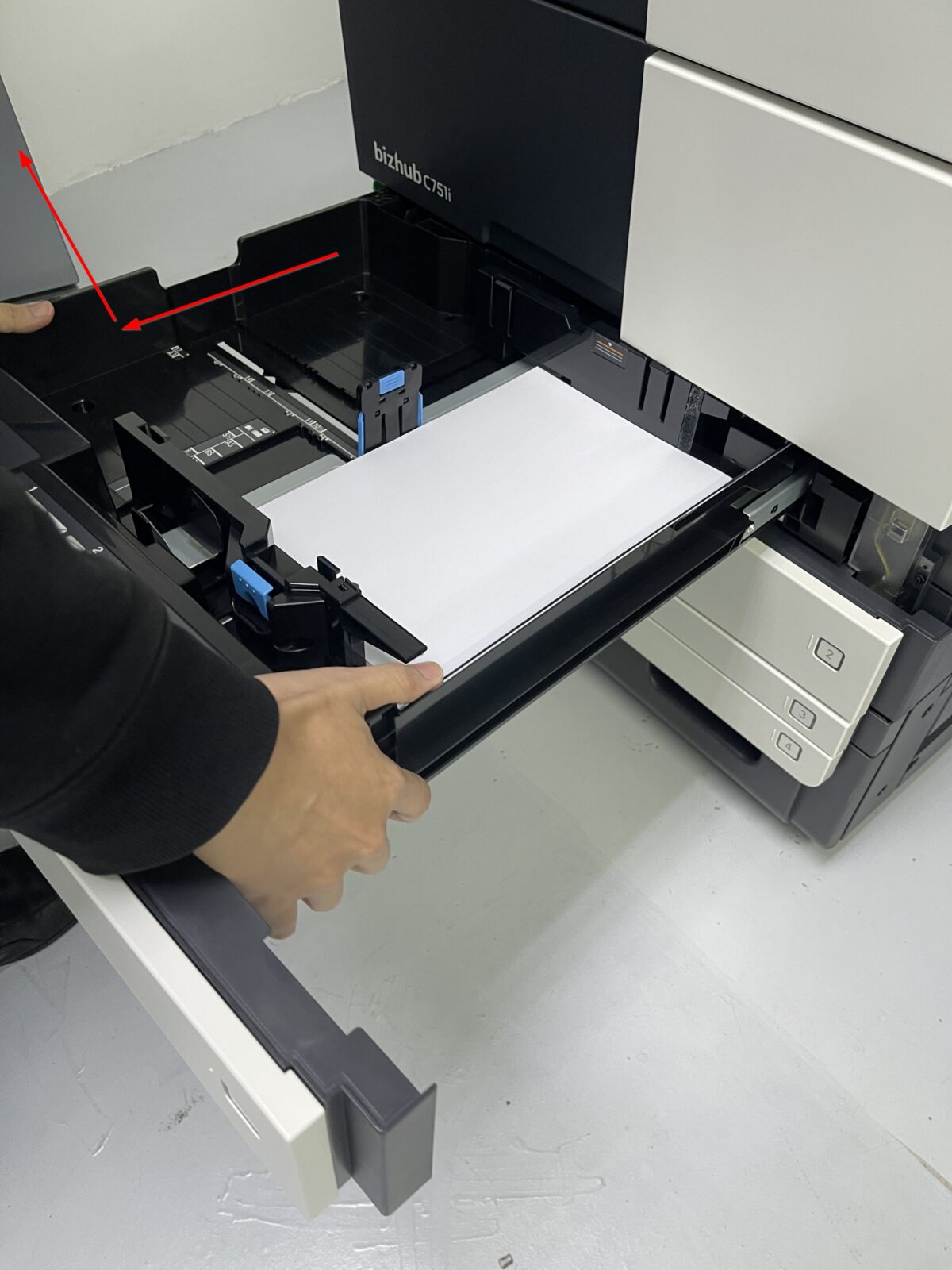
STEP 5 – Once the tray is removed, inspect the interior for any paper that may be stuck. Remove any jammed sheets carefully to avoid damage. Reinsert back tray in reverse position.