This is a guide on how to download the printer driver V4 from the Download Centre website.
STEP 1 – Go to the Download Centre website by clicking here.
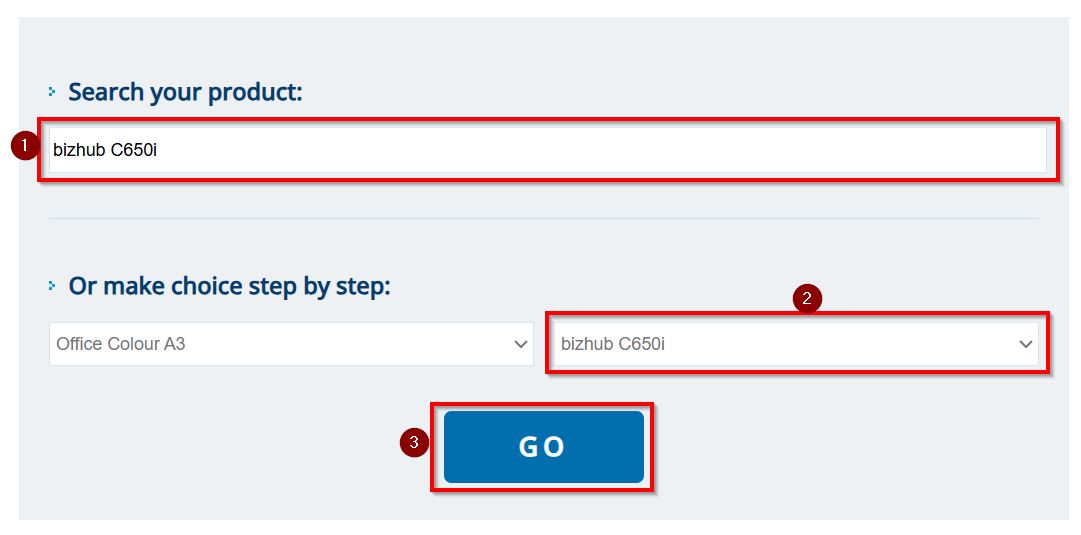
STEP 2 – Type in the model of your machine or select it from the drop down list under Choose Product then click [Go].
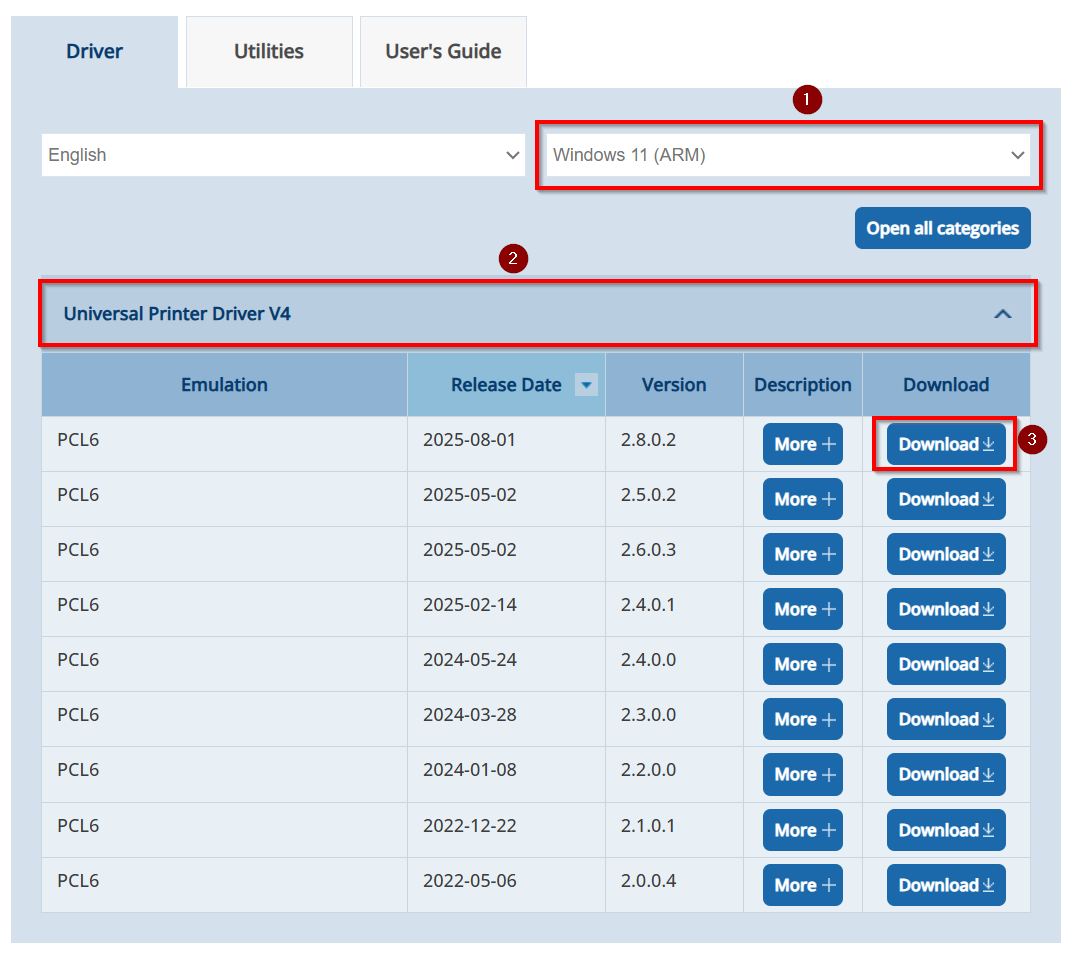
STEP 3 – The page will load the appropriate printer driver for the selected model, select either [Window 10 (ARM)] or [Window 11 (ARM)] that you’re using and click on [Download] button under [Universal Printer Driver V4 – PCL 6].
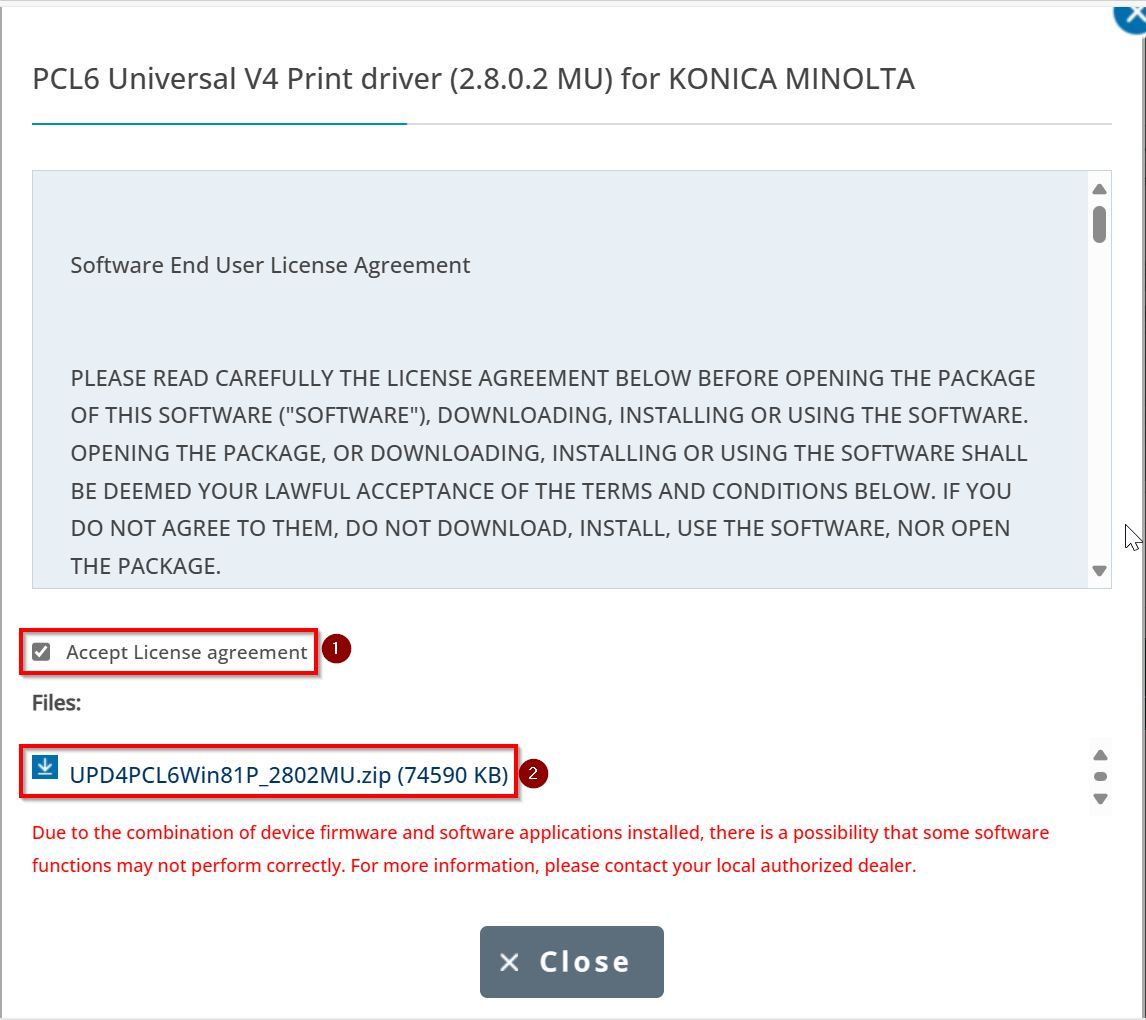
STEP 4 – [Tick] the Accept License Agreement and click the [ZIP] file to download the printer driver.