Guide on how to set the User Box Shared Folder on Window PC.
STEP 1: Create a User Box on the Printer. Click this link to check on how to create a User Box on Web Connection.
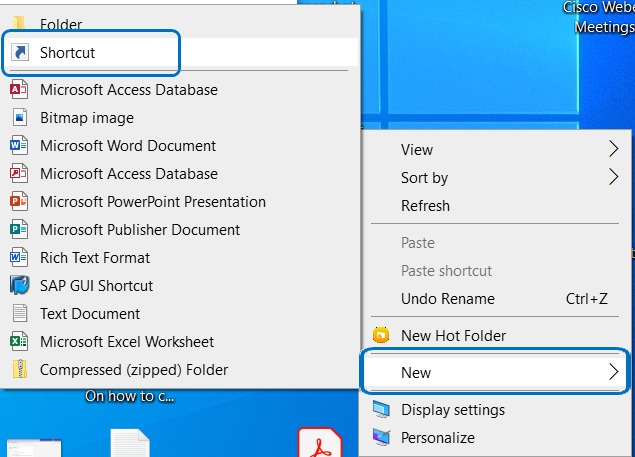
STEP 2: Create a new shortcut on the Desktop by right click and select New > Shortcut.
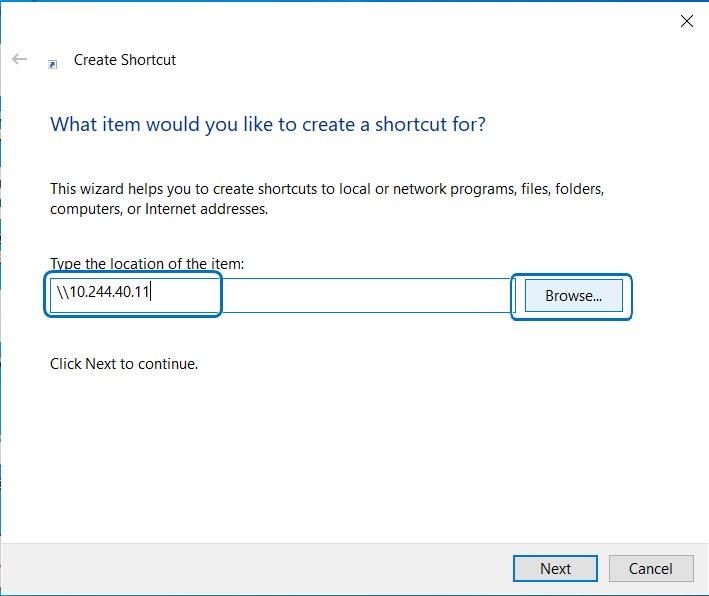
STEP 3: Type the Printer IP Address and click browse.
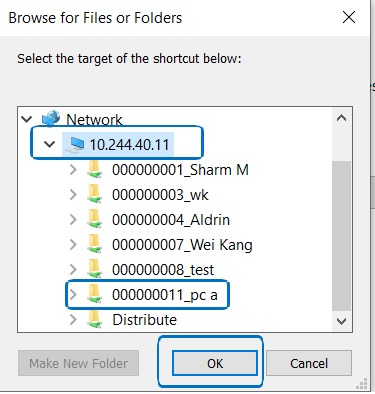
STEP 4: Select the User Box to access and click OK.
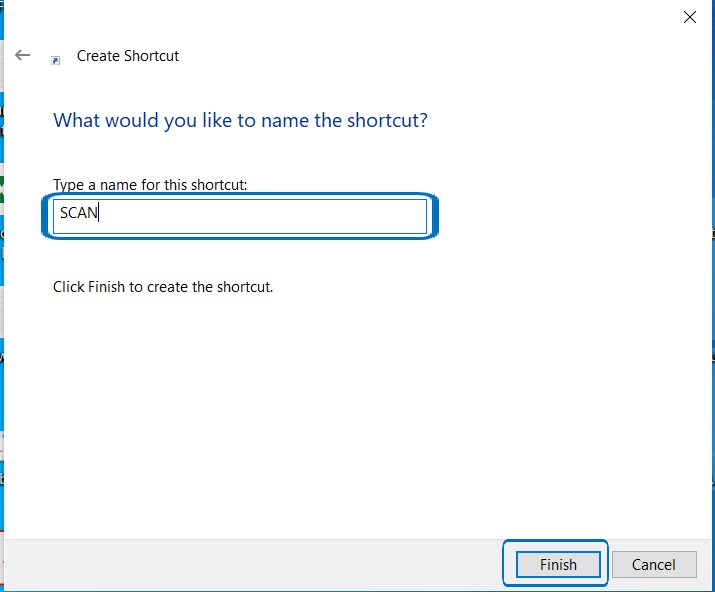
STEP 5: Rename the shortcut name and select Finish to save the share folder on the desktop. Test scanning to check if the document is visible on the mapped shortcut.