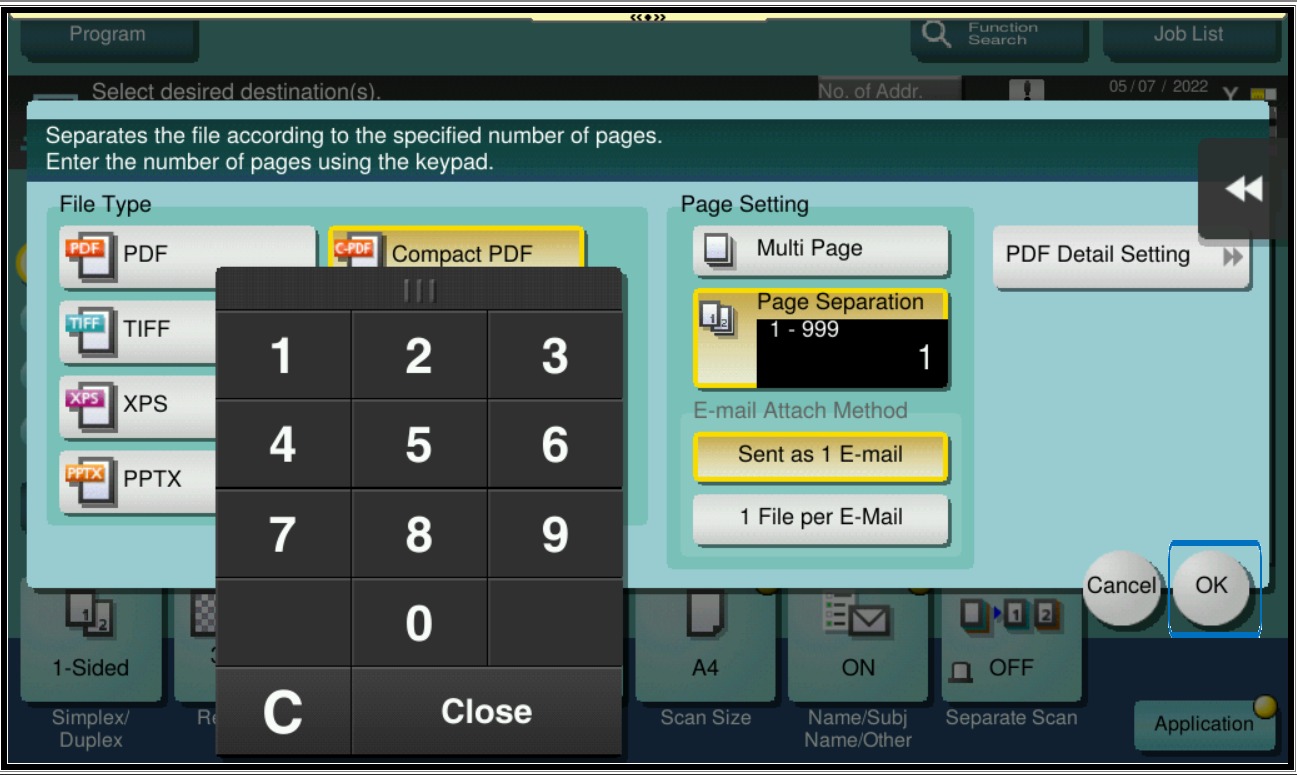
Guide on how to use the Page Separation option to separate the document using number of pages into multiple files.
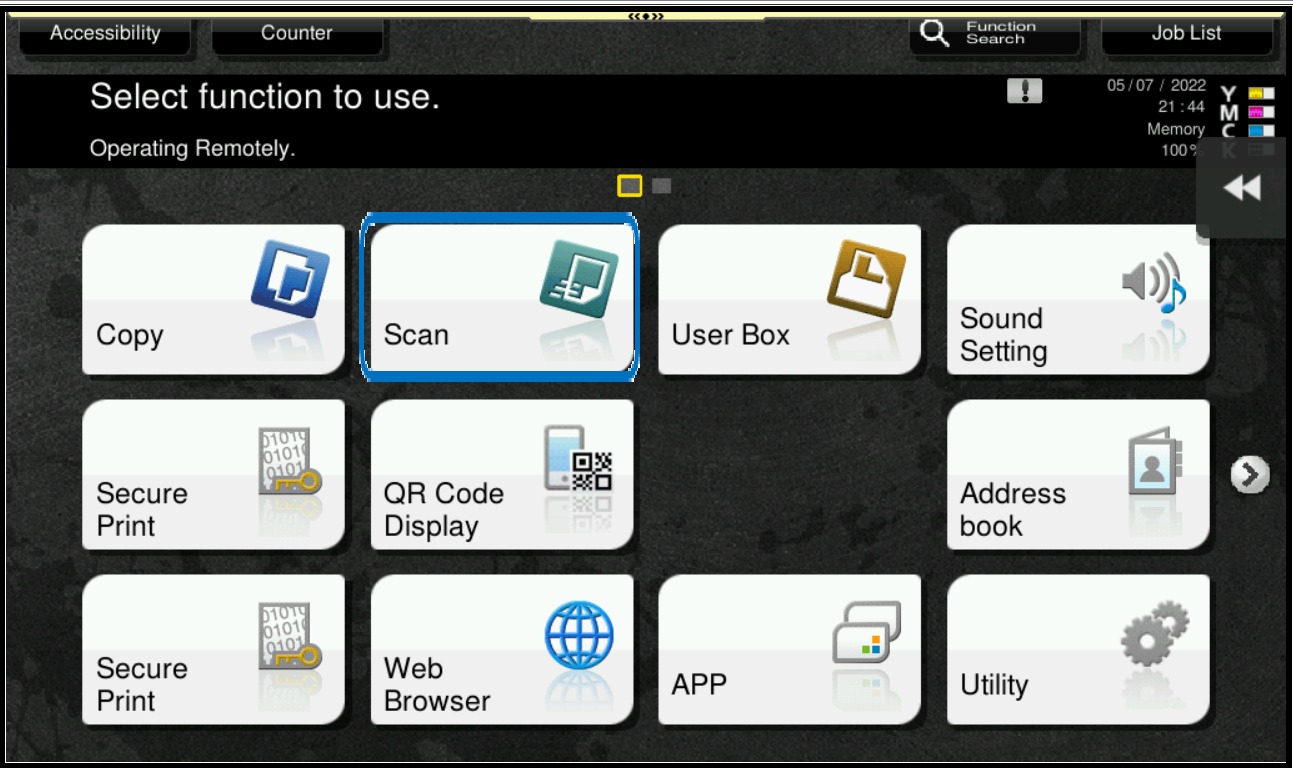
STEP 1: Press Menu button on the Konica Minolta Printer, and select Scan.
STEP 2: Select [File Type] > [Page Separation] and enter the number of pages required to split the document, then click [OK] and click [Start] button to start scanning.
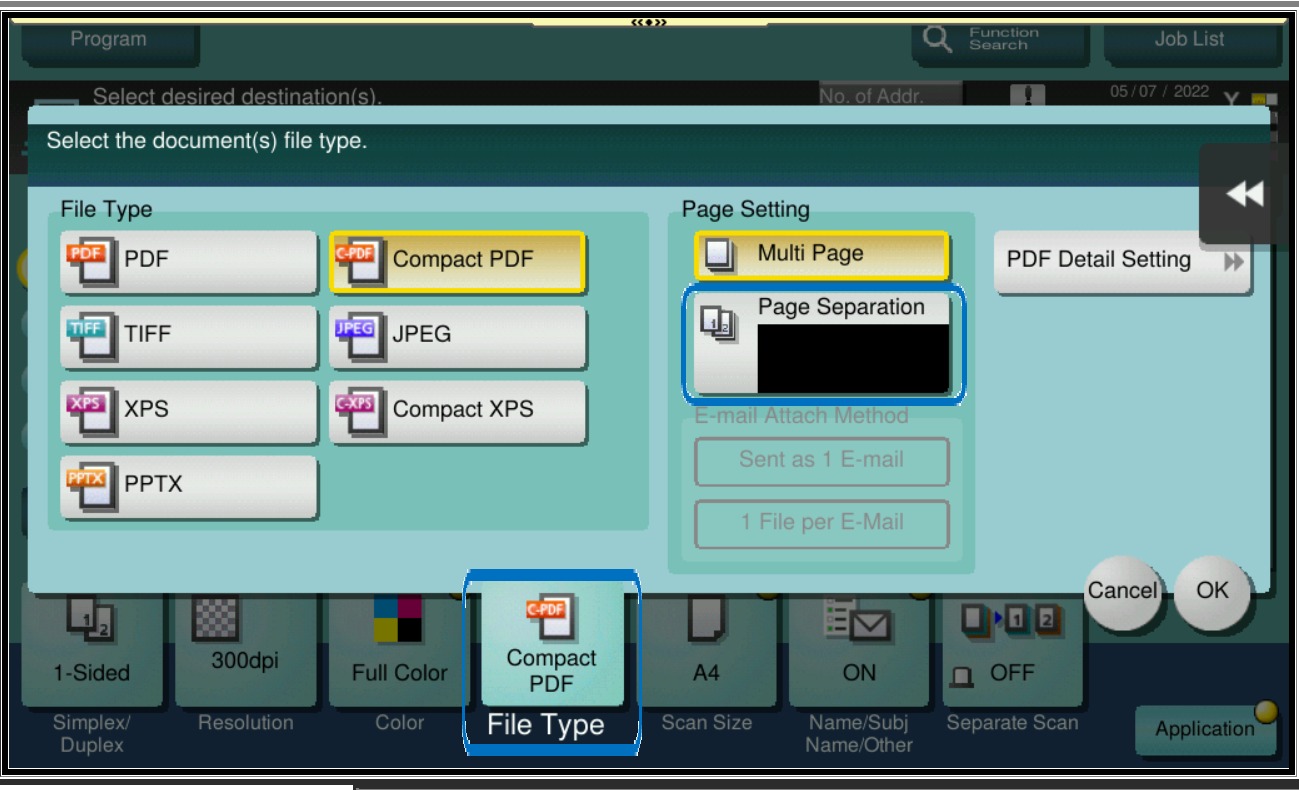
For example, if 3 is entered on Page Separation, the scanned document will split the original document every 3 pages. If the original document have a total of 9 pages, the scanned document will be split into 3 separate files.