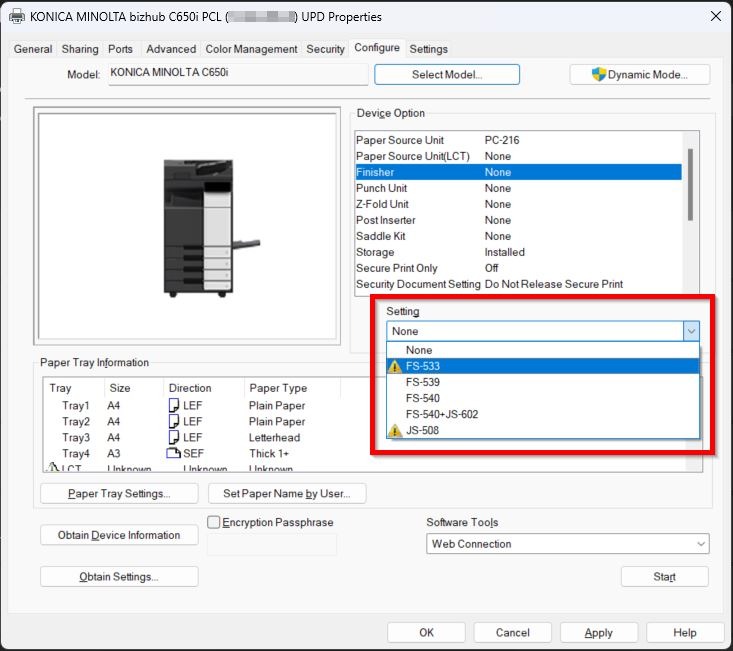
Guide On How To Resolve The Issue When The Printer Driver Device Option Setting Is Grey Out
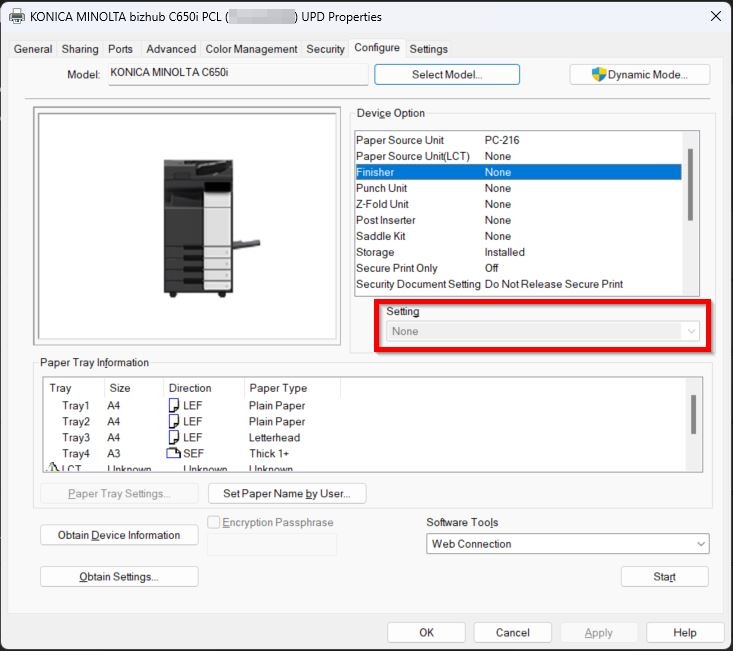
Example attachment showing the device option is grey out.
How To Enable The Device Option Setting
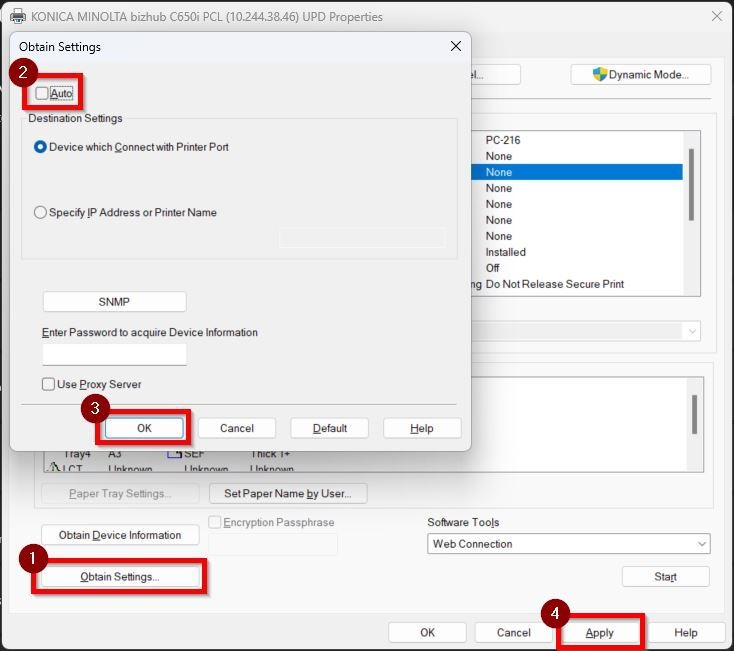
STEP 1 – Click on the [Obtain Settings], untick the [Auto]. After that click [OK] and [Apply] to save the settings.
Once completed these following steps, you will be able to select the settings.