

Guide On How To Resolve The Issue When There Is A Line/Dirt When Scanning/Copying Using The Feeder Or Glass On The Photocopier Machine
Example attachment showing the output when scans and copies using the photocopier machine.

How To Clean The Glass Area Of A Photocopier Machine
STEP 1 – Lift or open the cover, you will see the glass surface where documents are scanned or copied.
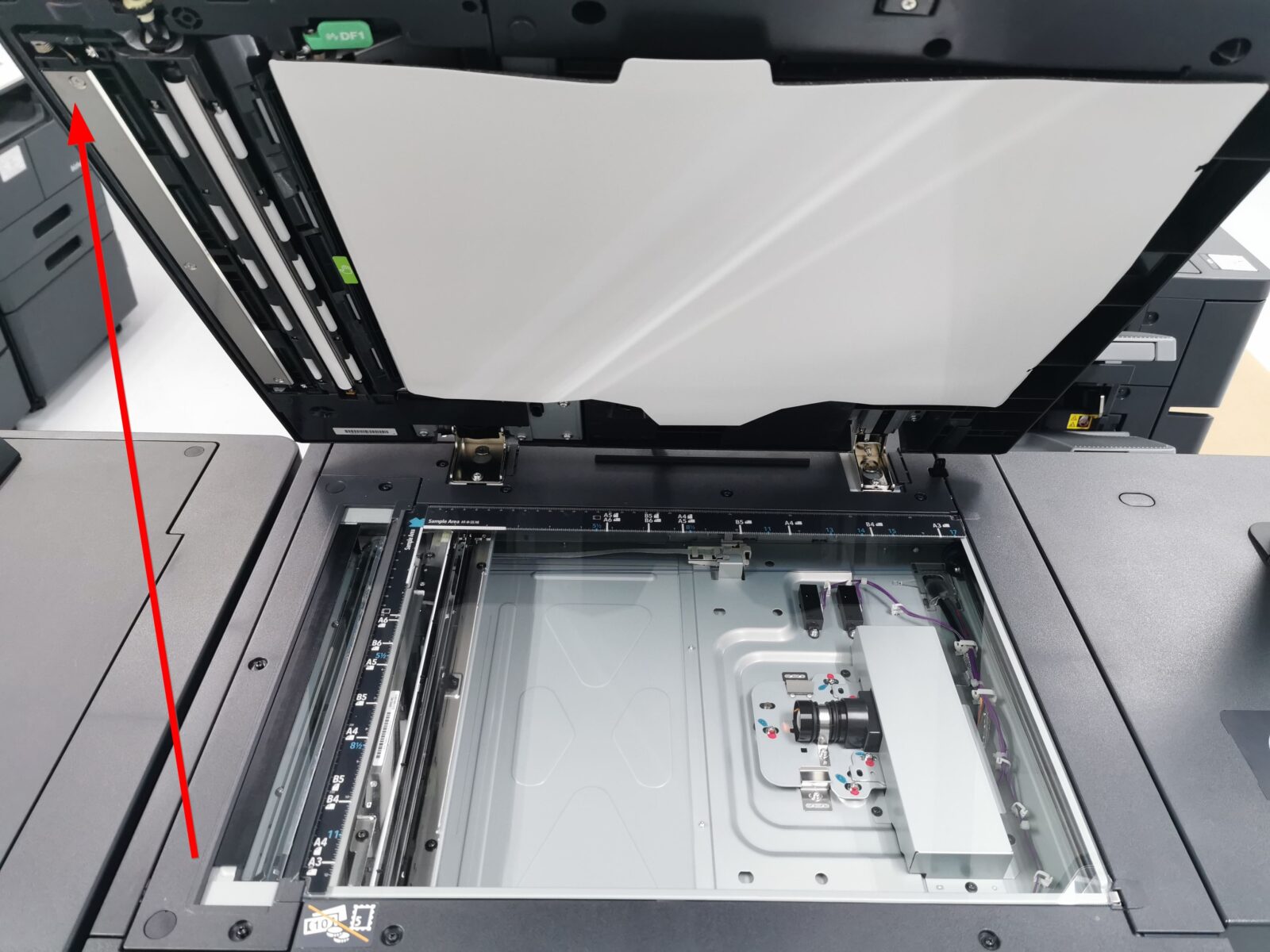
STEP 2 – Use a microfiber cloth to gently wipe the highlighted area.
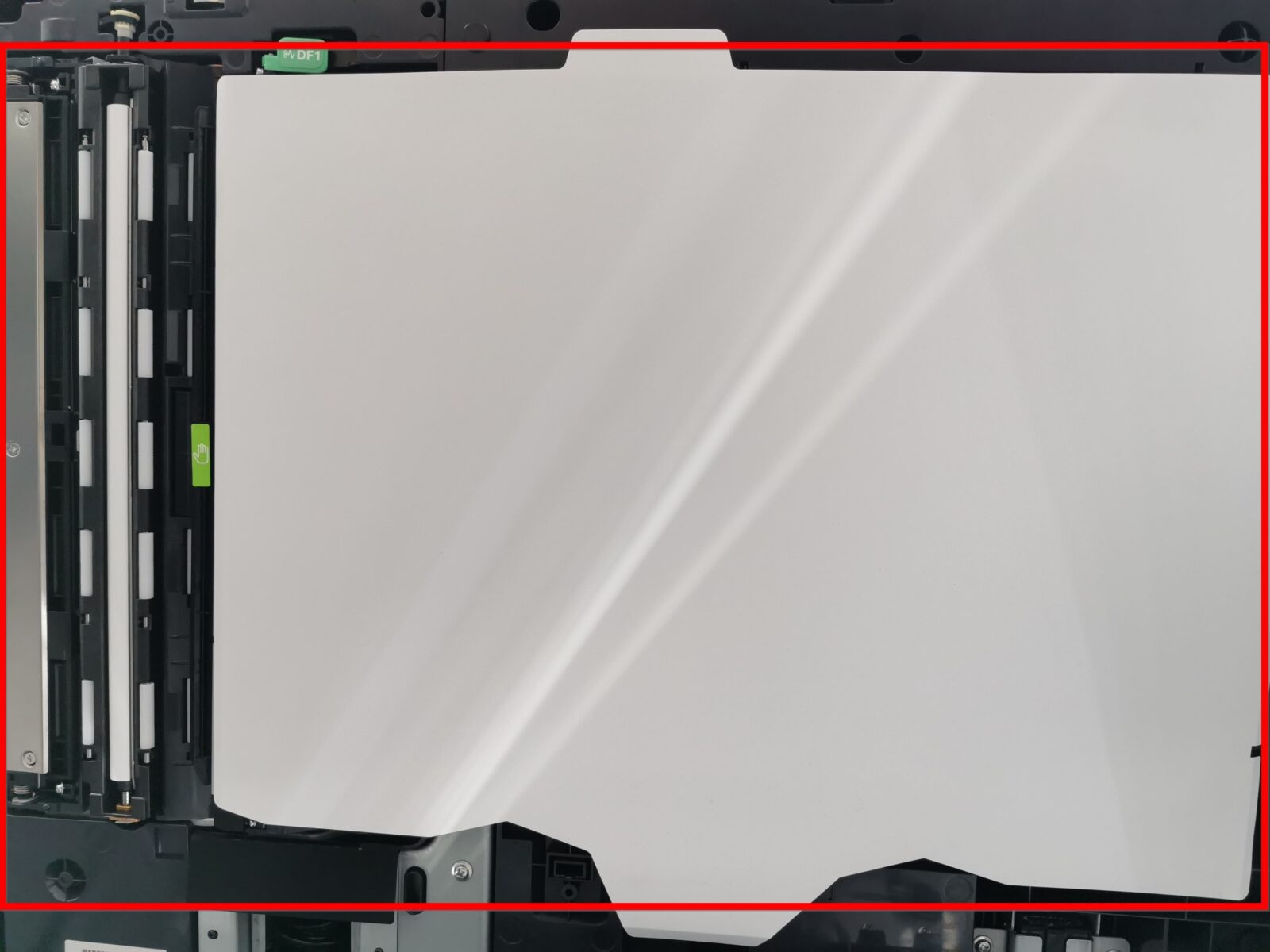
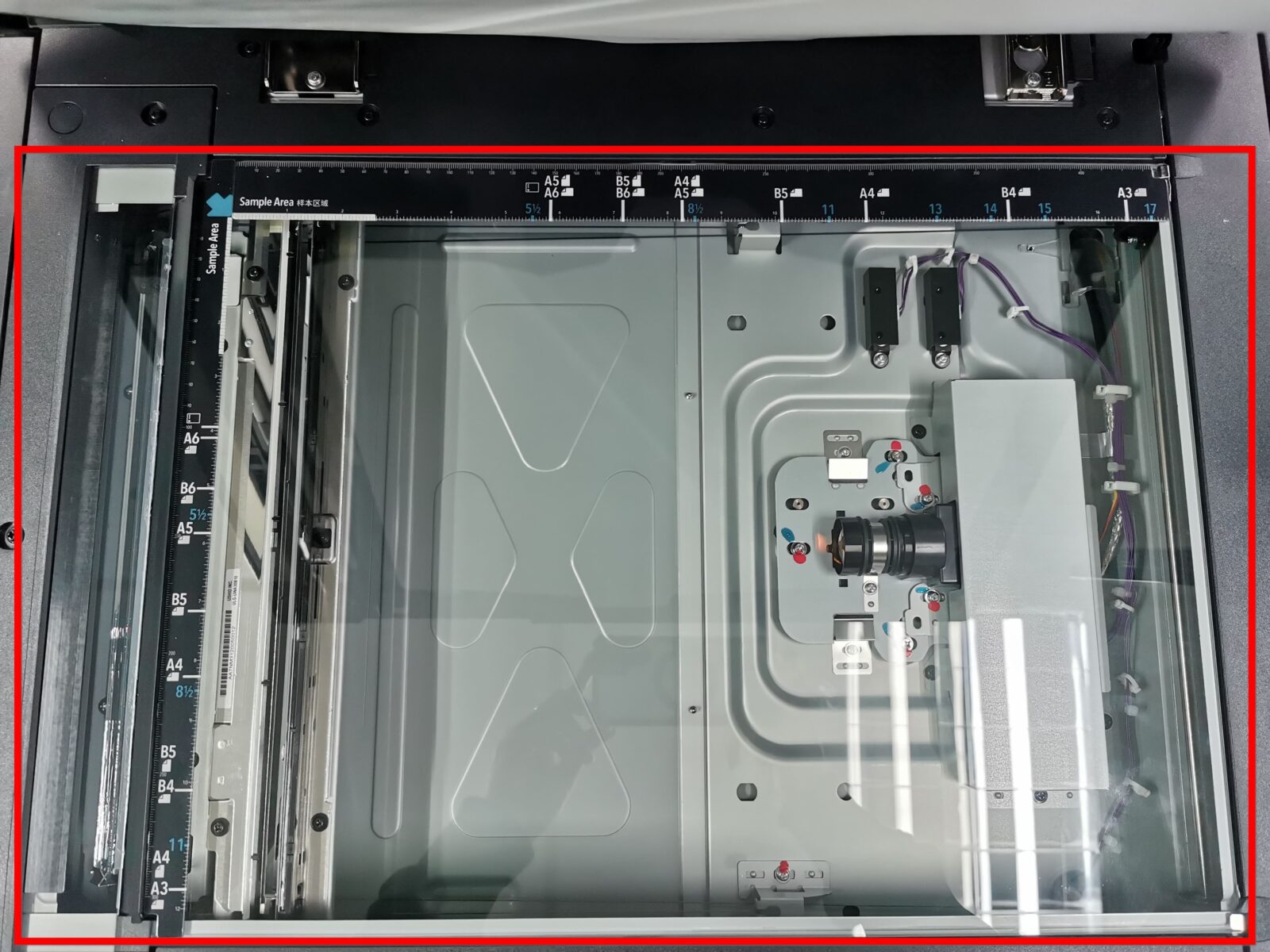
After completed these following steps, it will help maintain the clarity and quality of your photocopier’s scans and copies.