

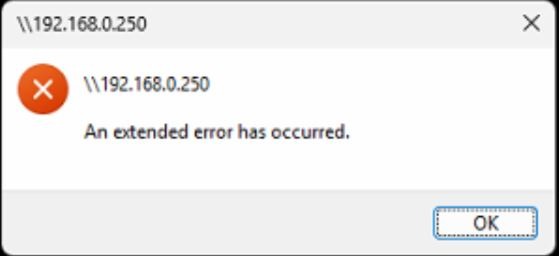
Guide on how to resolved the issue unable to access the machine User Box folder because the of the error “an extended error has occurred”. This is for Windows PC only.
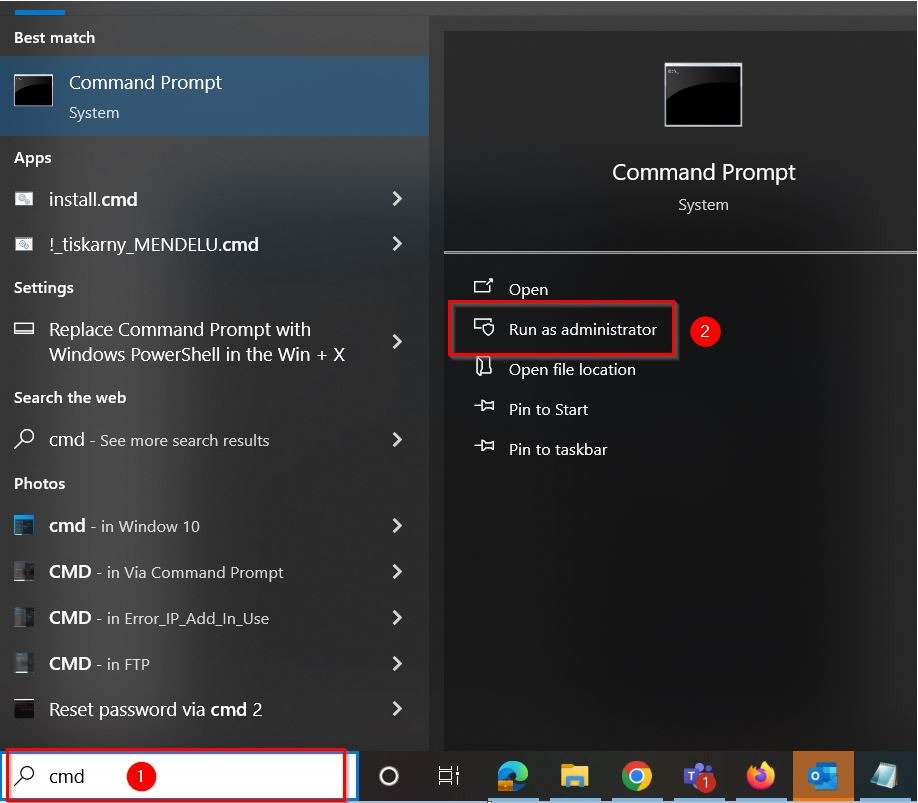
STEP 1 – In order to solve this issue, the “SMB Signing to access NAS on Windows” has to be disabled. First search for [CMD], select [Command Prompt] and click on [Run as administrator].
STEP 2 – Key in following command reg add “HKLM\SYSTEM\CurrentControlSet\Services\LanmanWorkstation\Parameters” /v RequireSecuritySignature /t REG_DWORD /d 0 /f on command prompt and press enter. “The operation completed successfully” will display once successful execute this command. Restart the PC after execute this command. After complete the following steps, it should not receive any error messages when trying to access the user box shared folder.
