

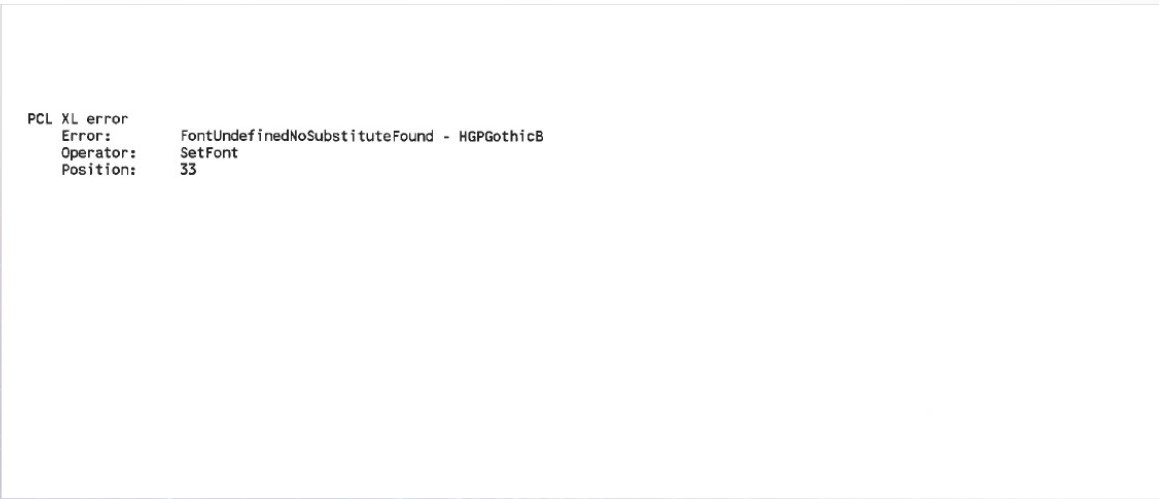
As shown in the example below, when printing certain documents from the PC, the printout includes an error page displaying “PCL XL Error”. This issue commonly occurs when the printer is unable to recognize certain [Fonts] used in the document.
To resolve this issue, please download the Universal Printer Driver PS from the website and install it. The PS driver can recognize a wider range of fonts compared to the PCL driver. Allows the printer to properly print documents with various fonts from the PC.